QuickBooks – Guides
QuickBooks is an accounting software package developed and marketed by Intuit. QuickBooks products are geared mainly toward small and medium-sized businesses and offer on-premises accounting applications as well as cloud-based versions that accept business payments, manage and pay bills, and payroll functions.
Apideck Guides
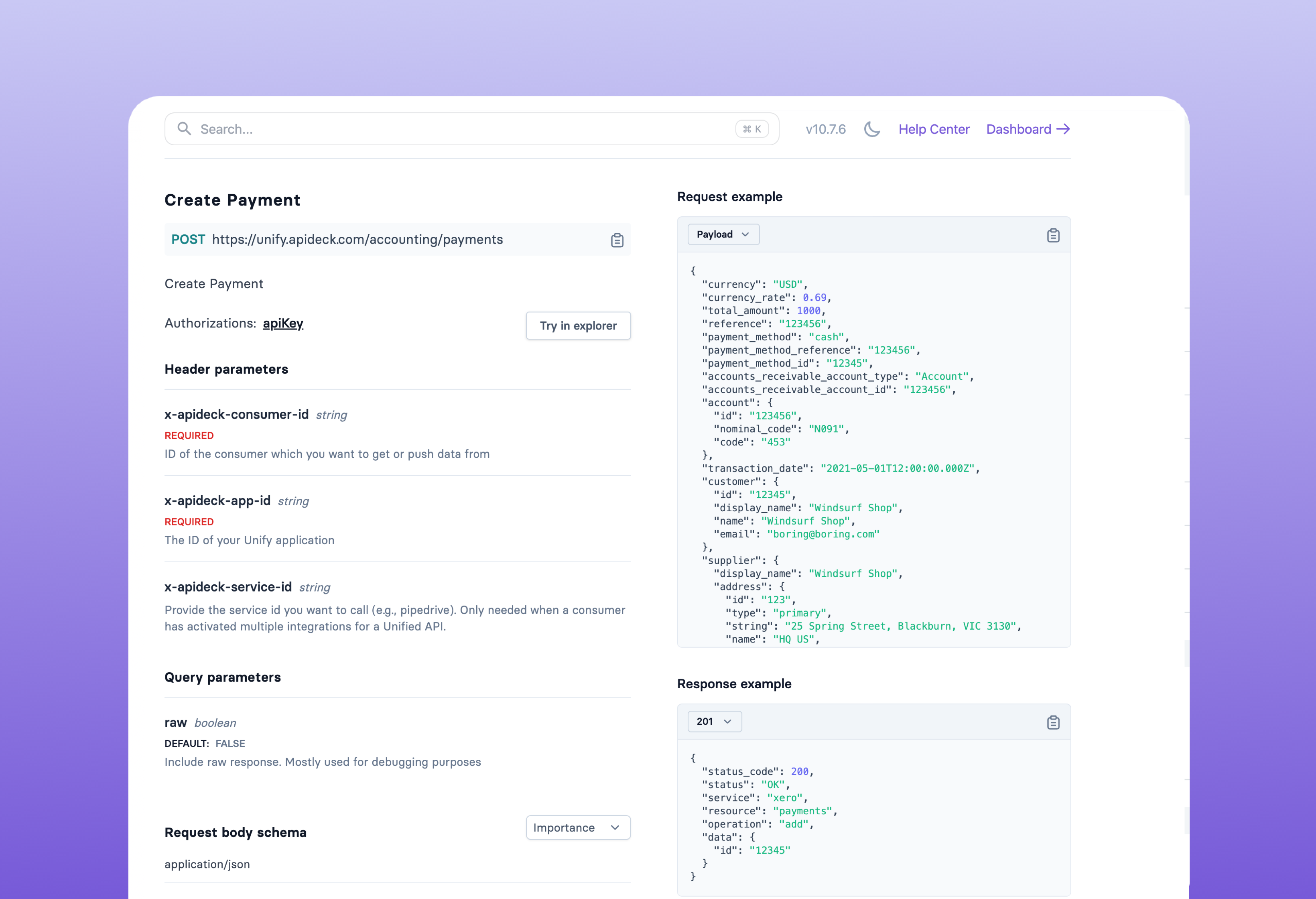
Mark Invoices as Paid
This guide provides a step-by-step procedure for marking invoices and bills as paid.
Tracking Dimensions: Departments, Locations & Subsidiaries
How to use departments, locations, subsidiaries, and tracking categories for segmented reporting across accounting connectors
Integrating Expenses and Bills with the Accounting API
Handle Expenses and Bills in accounting integrations. Worked examples with QuickBooks, Xero, Exact Online, and NetSuite using the Apideck Accounting API.

Building a Ledger Account Mapping UI
How to build a mapping interface between your expense categories and downstream accounting ledger accounts.

Accounting Data Model: How Entities Connect
Understand how accounting entities (ledger accounts, invoices, bills, payments, journal entries) relate to each other in the Apideck unified API.
Multi-Entity Accounting & Tracking Dimensions
How Apideck handles multiple companies, legal entities, and tracking dimensions (departments, locations, subsidiaries) across accounting connectors.

Building Accounting Integrations for Expense Management Platforms
Complete blueprint for expense management platforms, corporate card providers, and neobanks to integrate with accounting systems through Apideck.