Simployer One – Connection Guide
Service ID: alexishr
Declutter HR. Simplify and automate your people ops.

How to connect to Simployer One
To create a connection with Simployer One, you need to get an API token for your user by completing the following steps.
1. Login to your Simployer One account
Log in to Simployer One Admin Console.
2. Navigate to Access tokens
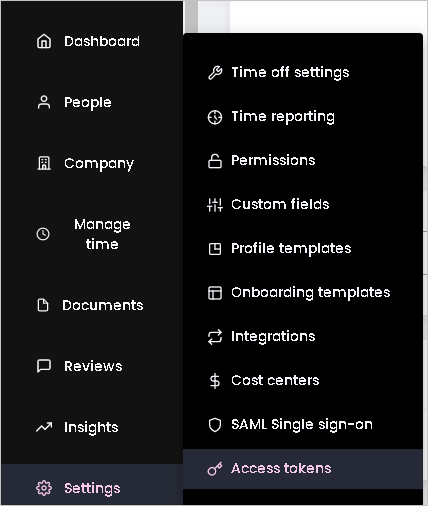
After you are logged in, Navigate to 'Settings' > 'Access tokens'.
3. Click Generate token
On the Access token page, fill in the 'Name' and 'Description' form fields and click on 'Save'.
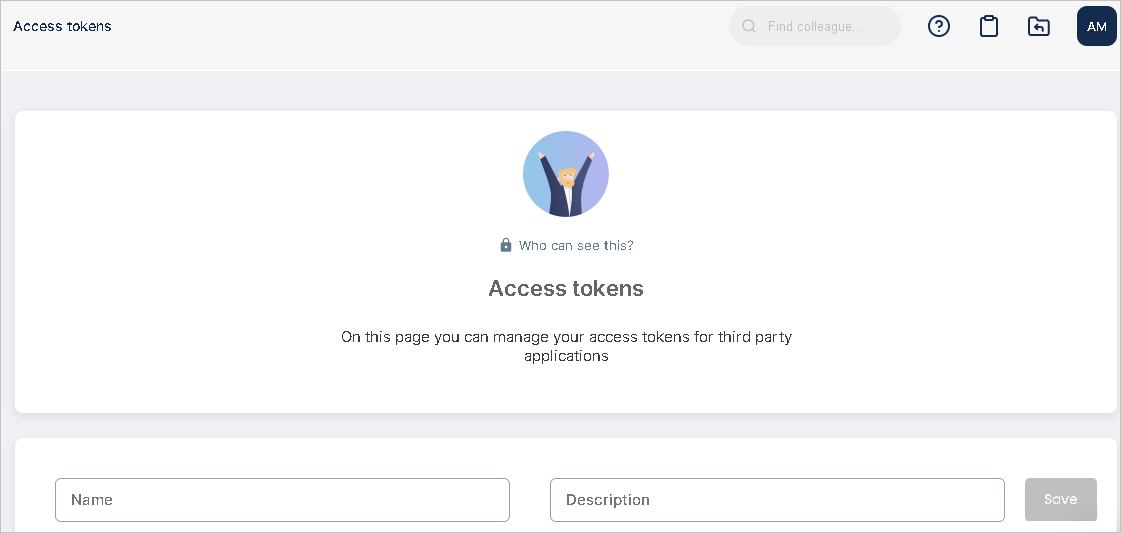
A token will be generated and displayed in a popup.
💡 IMPORTANT: Copy the token, you will need it in the next step.
4. Enter the token
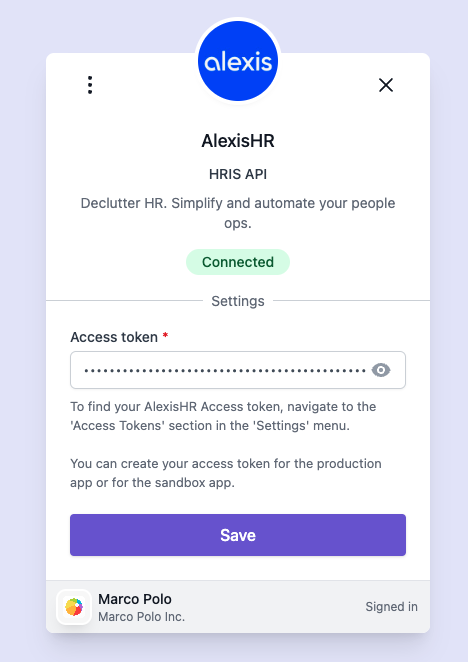
Enter the token in the Simployer One connection form and click on 'Save'.
If the token is valid, the connection will be established, showing a green 'Connected' status.